KHTS Radio Santa Clarita Radio – Santa Clarita News

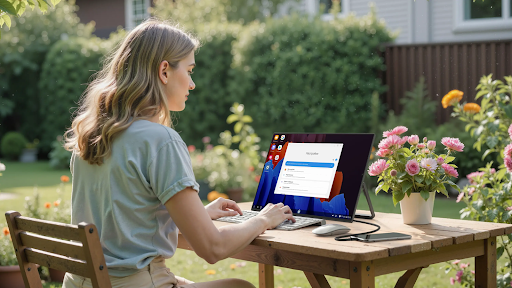
Working from anywhere shouldn’t mean neglecting your eye health.
If you change work locations frequently or travel for work, you might end your workday with sore, fatigued eyes. Most of the time, the vision-detracting features of standard portable monitors are underwhelming.
Eye-care portable monitors equipped with Blue Light Blocking Technology are designed specifically to work with you and allow you to take your work anywhere, while still giving your eyes the needed care.
In this guide, we will provide information on the brands that truly deliver eye care.
The Importance of Portable Monitors
The solution is simple: your eyes are tired and sore from constant monitors and you don’t want to be stuck working at your desk.
The advantages of portable monitors are:
- They are lightweight and compact. Most portable monitors are under 2 pounds.
- Uncomplicated installation. You can set up a monitor by connecting a single cable.
- Increased productivity. More than one screen helps you multitask efficiently.
- Eye care. Certain portable monitors help minimize eye strain.
The Importance of Low Blue Light Technology
Low Blue Light Technology is one of the most important features to look for in portable monitors.
Understanding the effects of blue light.
All digital devices generate blue light. It aids in keeping you attentive during the day; however, in the evening, blue light deceives your brain into believing that it is still day, which makes it difficult for you to fall asleep.
The Benefits of Low Blue Light.
This setting removes the most harmful blue light emitted by your device. This will reduce your eye discomfort during the day and improve your sleep quality during the night.
Why it matters.
If you work on screens for several hours daily, Low Blue Light technology becomes essential for maintaining eye health.
Pair Low Blue Light with Flicker-Free technology for best results. Flicker-Free displays maintain steady brightness, preventing headaches and fatigue caused by screen flickering.
Top Eye-Care Portable Monitor Brands
Focus on brands that prioritize both performance and eye protection.
UPERFECT: Quality Displays with Eye Protection
UPERFECT has built a strong reputation by combining excellent picture quality with genuine eye-care features.
- Mini LED computer monitor technology. Some UPERFECT models use Mini-LED backlighting for deeper blacks and more vibrant colors. The precise brightness control also enhances Low Blue Light filtering effectiveness.
- Touch screen monitor options. Many UPERFECT monitors include touch functionality for presentations and creative work.
- UPERFECT display models guarantee professional-grade color precision. UPERFECT displays guarantee professional-grade color precision. Whether you are editing a photo, or working with a spreadsheet, UPERFECT display models guarantee professional-grade color precision.
Options for Outdoor Work
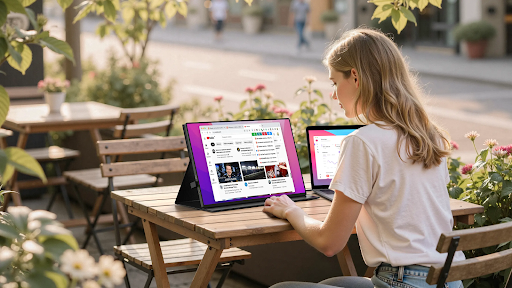
Standard portable monitors simply do not perform. If you are working outdoors or in environments with bright sunlight, standard portable monitors simply do not perform.
Sunlight-readable Computer monitors have brightness adjusted to ultra-high levels. You can still use UPERFECT branded monitors in direct sunlight. Other premium brands do this too. You can still use UPERFECT branded monitors in direct sunlight. Other premium brands do this too.
This is helpful for travel workers working in unpredictable lighting or anyone working closely to windows or in bright, sunlight spaces.
5 Best Portable Monitors for Eye Comfort
Here are five TÜV Rheinland certified monitors with Low Blue Light and Flicker-Free technology that provide comfort over long periods for the user.
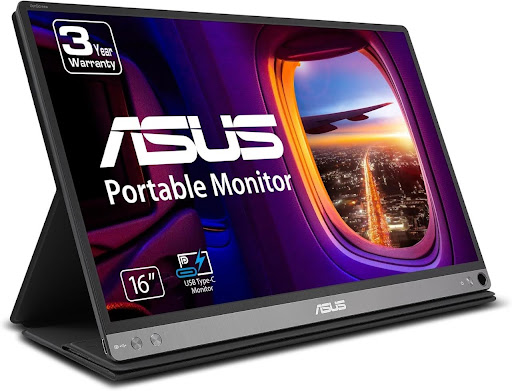
1. ASUS ZenScreen MB16AC (Best All-Rounder)
Product Description:
The monitor offers a unique ‘hybrid signal solution;’ therefore, it can receive both power and video signals through a single USB-C or USB-A port (through an installed driver, USB-A). With a profile and weight of only 8 millimeters and 0.78 kilograms respectively, it is very portable. It is certified for Low Blue Light and Flicker-Free technology by TÜV Rheinland, which makes working for an extended time very comfortable.
Specification
- Resolution: Full HD (1920 x 1080) IPS Panel Size
- 15.6 inch Connectivity: Single USB-C (Hybrid Signal)
- USB-A supported Eye Care
- TÜV Rheinland-certified Low Blue Light & Flicker-Free
Ideal for:
Daily office work, business travel, and dual-monitor presentations.
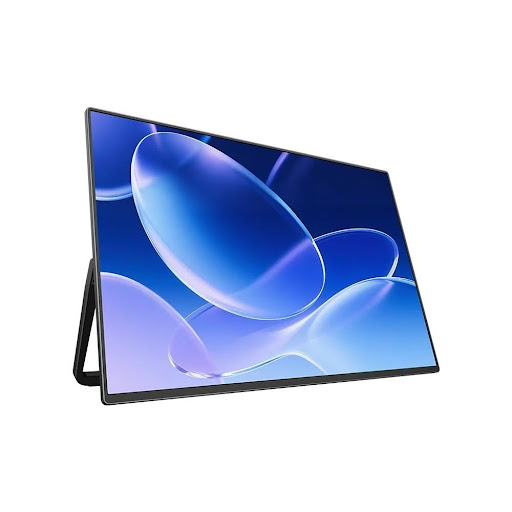
2. UPERFECT UColor M1 (Best for Brightness & Color Accuracy)
Product Description:
For the high image quality, Mini-LED UPERFECT model has outstanding image quality. It features 1500 nits of peak brightness which means it is sunlight readable. It also has a 10000:1 contrast ratio which means it is less straining on the eyes. High precision backlight control of Mini-LED, DC Dimming Low Blue Light filtering is enhanced.
Specification
- 2K (2560 × 1600) Mini-LED Panel
- 100% sRGB
- Brightness: 1500 nits (Peak)
- Eye Care: Enhanced Low Blue Light filtering
- Flicker-Free (DC Dimming)
Ideal For:
Professionals videographers and photographers who work visually and outdoors.
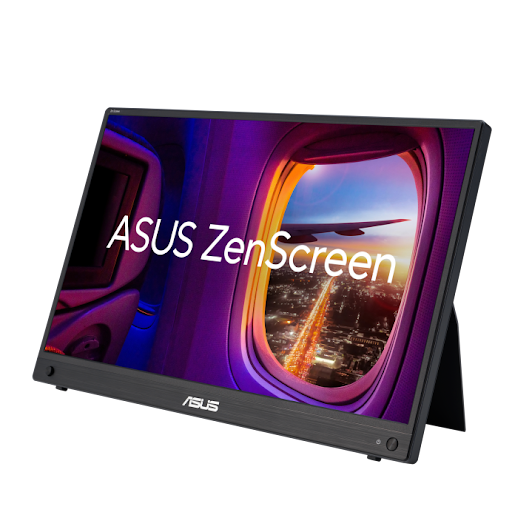
3. ASUS ZenScreen MB16AHG (Best for High Refresh Rate & Eye Care)
Product Description
This model is for users who prioritize speed and comfort for their eyes. It has a $144 \text{ Hz}$ refresh rate which makes scrolling and some light gaming very seamless. It also has the TÜV Rheinland Low Blue Light and Flicker-Free certifications. In addition to all these, it has Freesync Premium for lower tearing.
Specification
- Resolution: Full HD $1920 \times 1080$ IPS Refresh Rate
- $144 \text{ Hz}$ Connectivity
- USB-C and Mini-HDMI Eye Care
- TÜV Rheinland Low Blue Light & Flicker Free Cert.
Ideal For
Students and professionals who engage in responsive gaming, users who prioritize a smooth motion experience.
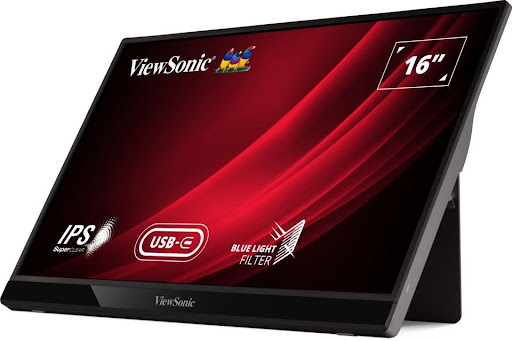
4. ViewSonic VG1655 (Best for Business Productivity)
Product Description:
The VG1655 is a versatile monitor designed for business professionals. The monitor has an anti-glare cover, a built-in kickstand, and two USB-C ports. The VG1655 can charge your laptop or display output from your laptop, providing two-way USB-C power delivery. During long office sessions, the software-based blue light filter provides added comfort.
Specification
- Full HD $(1920 x 1080)$ IPS
- 15.6 inch, Dual USB-C (60 W Power Delivery)
- Mini-HDMI. It has a blue light filter
- Anti-glare coating
- Software blue light filter for added comfort.
Ideal For:
Business professionals and those who use multiple devices simultaneously and require dependable power supply.
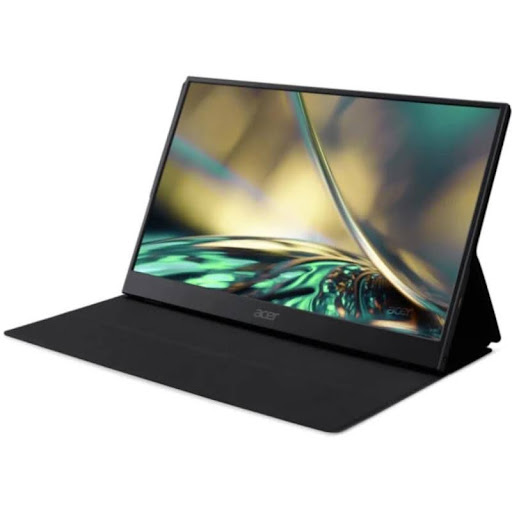
5. Acer PM161QBbmiuux (Best Budget-Friendly Option)
Product Description:
The PM1 series monitor provides essential ergonomic features at an affordable price. Its lightweight design, USB-C for power and display, and remarkable $100 \text{ Hz}$ flicker-free refresh rate offers excellent value. The refresh rate significantly aids concentration and minimizes fatigue.
Specification
- Resolution: Full HD $(1920 \times 1080)$ IPS
- Refresh Rate: $100 \text{ Hz}$ (Flicker-Free)
- USB-C and Mini-HDMI.
- Eye Care: Flickerless and low dimming.
Ideal For:
Students and home office users, along with those on a budget who require certified eye protection.
What to Look for When Buying
These features will guarantee verifiable eye protection.
Low Blue Light Certification
Do not take the manufacturer’s word for it. Look for the TÜV Rheinland certification. This will guarantee the monitor has tested and verified to reduce blue light emission. Without certification, you have no guarantee the Low Blue Light setting will meet advertised features.
Flicker-Free Technology
Even if invisible, screen flicker will cause strain and an headache. Flicker-Free technology maintain stabilized brightness for screens. Ensure this is going to be a feature and the seller has clearly stated this on the monitor.
Screen Size and Resolution
The portable monitors have been adjusted to a size of 15.6 inches, which is a good compromise to the balance of the usability, on screen space while still being portable.
- 1080p. Excellent battery performance. Greatest quality and performance balance for most people. 15.6” screens are ultra sharp and easy on the battery.
- Higher power cost and significantly more expensive. Unless for professional use in portable applications, full HD is the most logical option over 4K. It is the most practical for photo or video.
Connection Ports
- Single USB-C (Thunderbolt/DisplayPort Alt Mode). Ideal for portable monitors. One cable connects video and power.
- Additional Mini-HDMI or HDMI offer more flexibility with varying devices.
Confirm that both the laptop and the monitor have used the intended ports for the connection type.
Simple Habits for Eyes
Even with an eye-care monitor, these habits help keep eyes healthy.
20-20-20 Rule
Look 20 feet away for 20 seconds. Eye muscles need a break.
Match the monitor brightness
Screen brightness should adjust with the surrounding ambience.
Distance Your Monitor
Place your monitor an arm’s length away. It should be at your eye level.
FAQs
Q1. Does Low Blue Light really work?
Blue Light filters really do work. Low Blue Light filters reduce blue light wavelengths that come from screens which offer relief from eye strain and facilitate falling asleep after screen use.
Q2. Can I get power and video from a single cable?
Yes, as long as your laptop and monitor support USB-C with Power Delivery and DisplayPort Alt Mode. One cable will take care of both video signal and power your laptop along with your other peripherals.
Q3. Is 4K resolution worth it for a portable monitor?
No, definitely not for a 15.6-inch screen. 4K portable monitors come at a higher price, use battery power at a quicker rate, and offer sharper images. However, for a screen that size, the added expense for a higher resolution simply does not make sense. A portable monitor with Full HD will offer excellent clarity at a much lower power consumption.
Q4. What accessories do I need?
A portable monitor should come with a protective case to prevent screen damage during transport. These often double as stands. It is a good idea to keep a spare USB-C cable as your monitor will need power.
Take Action to Protect Your Vision

Invest in an eye-care portable monitor to protect your vision over the long term.
If you need a Mini LED computer monitor for accurate colors, or a Touch screen monitor for interactive work, also ensure the monitor has Low Blue Light and Flicker-Free functionality. These are not optional features.
Select a monitor that safeguards your vision and allows you to work from any location.